
This Leica DISTO D5 review looks at a practical buying question: is a premium outdoor laser measure worth paying for when a simpler indoor model already measures room dimensions? For the D5, the strongest reason to upgrade is its on-screen aiming system. The less convincing reason is simply wanting the longest advertised range on the shelf.
Editorial approach: This is a specification-based buying review using Leica’s product information, data sheet, manual and comparison resources, checked October 28, 2026. We have not performed hands-on accuracy or durability testing. The images are AI-generated editorial illustrations of generic equipment, not exact D5 product photographs. As an Amazon Associate, we earn from qualifying purchases.
Premium measuring tools · Quick verdict
Buy it for outdoor aiming and a useful digital workflow
The D5 makes the most sense for people who regularly measure building exteriors, larger spaces or awkward sight lines. Its Pointfinder addresses a real aiming problem. For occasional furniture layouts and basic room measurements, a simpler laser measure is usually the more sensible starting point.
Key limitation: D5 is not a P2P measuring system. Decide whether you need direct distance measurements or measurements between remote points before choosing your package.
Retailer search links, not verified in-stock product listings. Compare the exact model, seller, included accessories and return policy.
Who should consider the Leica DISTO D5?
A good match
- Renovators who repeatedly measure outside buildings or across larger spaces.
- Estimators who want to transfer readings into a repeatable digital record.
- Owners of a basic meter whose main frustration is finding the target in daylight.
- Buyers who value a supported measuring workflow more than a long feature list.
Consider another option
- Homeowners taking a few indoor measurements each month.
- Anyone expecting a handheld meter to measure through obstacles.
- Buyers who specifically need P2P measurements of remote geometry.
- Users who would rather keep simple notes than learn connected software.
Before spending more, write down the last five measurements that slowed you down. If most involved bright conditions and difficult aiming, the D5 addresses your problem. If they involved checking a shelf, a doorway or a small bedroom, extra range alone is unlikely to improve the result. Our homeowner laser-measure buying guide is a useful place to compare the broader category.
Leica DISTO D5 review: verified specifications
The following figures describe the current rechargeable D5 covered by Leica’s modern product documentation. Match the listing to that generation rather than relying on the product name alone.
| Specification | Manufacturer listing | Buying implication |
|---|---|---|
| Favorable-condition range | 0.05–200 m; approximately 660 ft maximum | A conditional upper limit, not a promise for every outdoor target |
| Unfavorable-condition range | Up to 120 m; approximately 400 ft | Bright light and difficult surfaces reduce capability |
| Distance accuracy | ±1.0 mm favorable; ±2.0 mm unfavorable, subject to stated conditions | Read the tolerance notes before planning demanding work |
| Display resolution | 0.1 mm | Resolution is not the same thing as accuracy |
| Aiming and display | 4× digital Pointfinder; 2.4-inch IPS display | The principal reason to consider D5 for daylight work |
| Protection | IP54 | Dust and splash protection; not immersion protection |
| Power and transfer | Rechargeable Li-ion; USB-C charging; Bluetooth 5.0 | Plan charging and check software compatibility |
| Memory | 50 measurements | Useful temporary storage; keep a labeled project record |
| P2P | Not listed for D5 | Do not buy it expecting X6 P2P functionality |
Sources: Leica D5 data sheet and official product page. The data sheet’s tolerance notes specify a 95% confidence level for 0.05–10 m; beyond 10 m, consult the manual’s distance-dependent allowances.
What makes the D5 useful outdoors?
Aiming without hunting for a tiny red dot
Leica’s D5 FAQ describes Pointfinder magnification levels of 1×, 2× and 4×. The screen lets you frame a target when seeing the laser dot directly is difficult. That changes the aiming process, especially when you need to identify a specific part of a distant wall.
However, seeing the wall in the camera does not guarantee a valid distance result. You still need a suitable return signal and a stable aim. Think of the Pointfinder as help with choosing the target; the distance-measuring system still has to complete the measurement. Aiming at a dark or highly reflective surface can remain more difficult than aiming at a broad matte target.
Support matters as much as the feature list
For longer shots, plan where you will place the instrument before you begin. A stable support, an unobstructed sight line and a clearly defined target are more useful than repeatedly pressing the measurement button while your hand moves. Leica’s FAQ recommends stable support or its FTA 360 adapter, with gesture or timer triggering as ways to reduce movement.
Those accessories should solve a particular problem in your work. Do not assume a seller’s basic meter package contains everything pictured in a promotional scene. If you expect to measure from a fixed position every day, compare the complete supported setup before judging value. A cheap-looking listing can become less attractive once the required accessories are added.
When a target plate helps
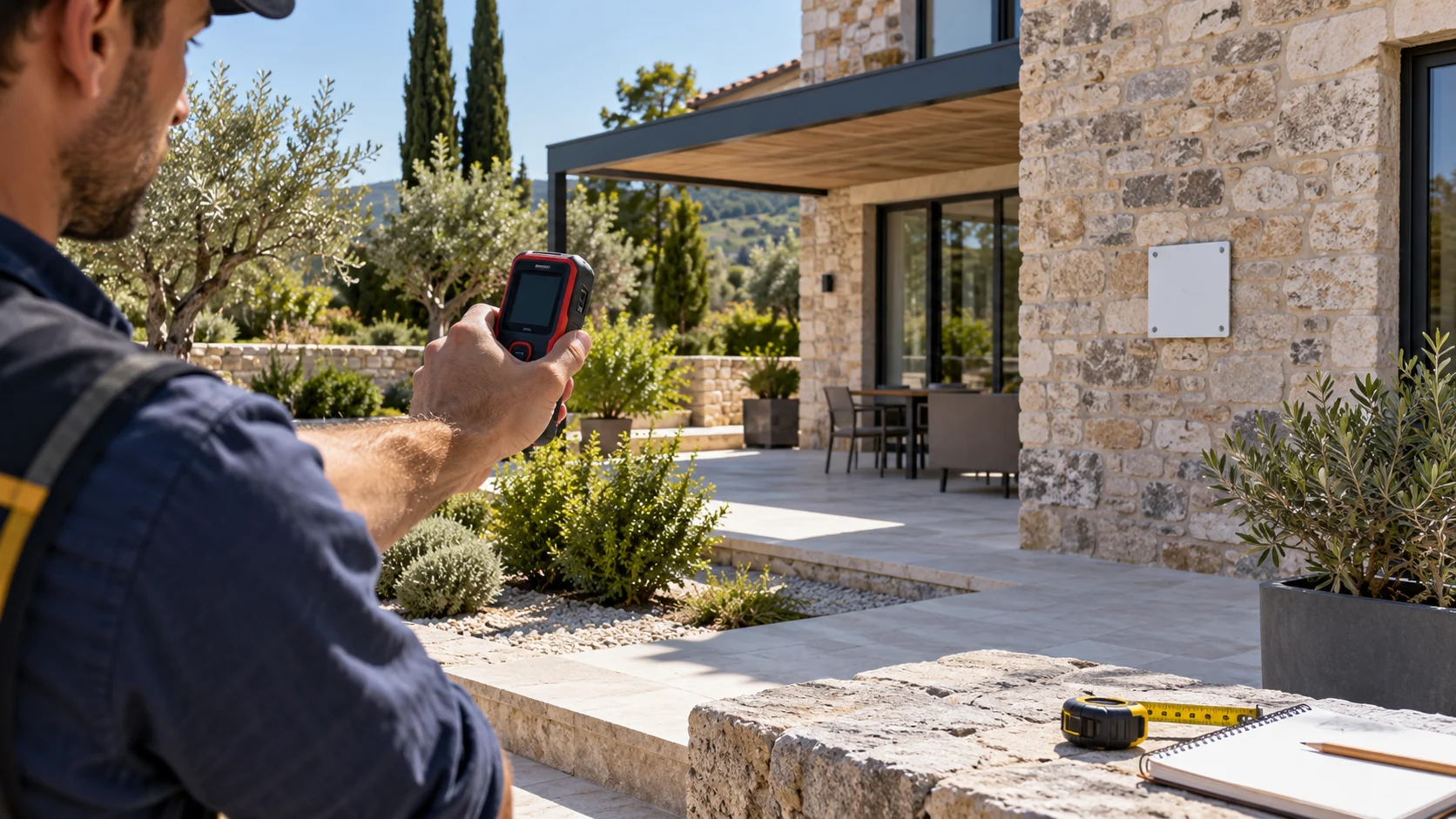
A consistent aiming surface can make a measurement easier to repeat. It also gives you a defined point to identify in your notes. Before improvising a target, consider whether it is flat, stable, correctly positioned and suitable for the distance involved. If the plate moves between readings, you are no longer measuring the same setup.
Our laser measure target plate guide explains when an accessory is useful and what it cannot fix. A target is not a substitute for checking the reference point, keeping the meter steady or confirming that the number belongs to the surface you intended.
Accuracy: what the headline number leaves out
A fine display increment can make a reading look exceptionally precise. It does not remove positioning error. For renovation work, a good habit is to record both the number and the two surfaces it describes. A distance taken from a finished wall is a different dimension from one taken from exposed framing, even if the display shows the same number of decimal places.
Use repeat measurements to check consistency. If a reading is surprising, stop and inspect the setup before accepting it. Check units, front-versus-rear reference selection, target position and whether the laser landed on a nearby object. An expensive meter cannot know which architectural surface you meant to measure.
For fit-sensitive work, choose a verification method appropriate to the job. Keep a tape measure available for short physical checks and for dimensions that are easier to capture by contact. Our laser measure vs tape measure comparison explains why the tools often complement each other. Paying for a better meter should improve your process, not remove your cross-checks.
Smart Horizontal Mode and indirect measurements
Leica lists Smart Horizontal Mode, height tracking and slope-related functions for the D5. These are useful when the practical measurement problem is more complicated than taking a straight wall-to-wall distance. The mode you select matters because an angled line-of-sight distance and a horizontal distance answer different questions.
Imagine recording a dimension across a space where you cannot hold the instrument at the ideal height. Before using a calculated result in your plan, decide which dimension you actually need. Then follow the model’s instructions for that function. Do not label a slope measurement as a level floor dimension simply because it came from the same instrument.
Read the relevant steps in the D5 user manual before depending on an unfamiliar function. Indirect calculations introduce setup requirements; they should not be treated as interchangeable with a direct measurement or with P2P capability.
Bluetooth: useful when your notes have a system
The official product page lists compatibility with DISTO Plan for iOS and Android and DISTO transfer for Windows. It also lists Keyboard Mode. These options are worth investigating if you repeatedly move measurements into documents, spreadsheets or project sketches.
Start with a simple trial workflow: create a sample job, name a room, capture one known dimension and confirm where the transferred value appears. Check the unit format and whether the record remains understandable after you close and reopen it. Transferring a number is only helpful when you can identify its meaning later.
Before purchasing for one particular app, check the current app requirements, supported functions and any paid features. Do not assume every tool demonstrated in an app is included free with the meter. For a homeowner who only takes a handful of dimensions, a clear paper sketch may still be the simpler choice.
D5 vs X6: choose the measuring workflow first
Leica’s current comparison table gives the D5 and X6 both a digital Pointfinder, but separates their P2P capabilities. The distinction matters more than choosing whichever model sounds more premium.
| Your priority | D5 | X6 route |
|---|---|---|
| Outdoor aiming | Digital Pointfinder available | Digital Pointfinder available |
| Manufacturer maximum range | 200 m | 250 m |
| Remote point-to-point work | Not a supported D5 feature | Requires the appropriate DST 360-X setup; distinguish meter from P2P package |
| Basic indoor dimensions | Capable, but may exceed the task’s needs | Also likely more capability than an occasional user needs |
| Main buying question | Will better outdoor aiming save time? | Does the project justify the broader system and accessories? |
Our Leica DISTO X6 review explores that package decision in more detail. If your work needs dimensions between points you cannot physically reach, establish the required workflow before buying the D5. Adding an ordinary tripod does not turn a direct-distance meter into a P2P system.
The Bosch GLM400CL review offers another outdoor-oriented comparison path. Compare real tasks, display and aiming preferences, software needs and the total accessory bundle. Avoid assuming that the longest range automatically makes a tool the best choice for your projects.
Strengths and trade-offs
Why it earns a place on the shortlist
The combination of on-screen aiming, connected data transfer and a rechargeable design suits repeated measuring work. Its value is easiest to explain when a basic indoor meter is already creating a clear bottleneck.
What could make it the wrong buy
It adds cost and learning compared with a simple room-measuring tool. Its outdoor capability still depends on conditions, its IP54 rating has limits, and it does not provide the P2P route offered by the appropriate X6 system.
These are editorial buying judgments based on the documented feature set. They are not a scored laboratory result, a long-term reliability assessment or a claim that we tested the device against competing meters.
What to check before buying on Amazon or Walmart
Conceptual illustration; verify the actual product photos in the retailer listing.
Match the exact D5 generation and bundle
Use the retailer searches below to compare offers. Search results may mix accessories, older products and unrelated listings. Availability and prices can change.
Retailer search links, not verified in-stock product listings. Compare the exact model, seller, included accessories and return policy.
- Check the product identity. Match the model description and photographs to the current rechargeable D5 documentation. A familiar name alone is not enough to confirm the generation.
- Read the included-items list. Confirm whether a case, charging cable, target, tripod or adapter is included. Treat staged photos as illustrations until the written bundle confirms the contents.
- Check the seller and condition. New, used and refurbished offers can have different terms. Review who fulfills the order, the return window and any stated warranty arrangements.
- Compare the complete setup cost. Include accessories you actually need. Avoid buying a large kit just because it contains more pieces than the meter-only offer.
- Keep the listing record. Save the order details and included-items description. This makes it easier to check the delivery against what you intended to buy.
We do not display a fixed live price or claim either retailer is the cheapest. The better offer depends on the exact model, seller, condition, bundle and return terms available when you order.
A sensible first-day check
Once the meter arrives, inspect it and read the quick-start instructions before taking it onto a job. Confirm that the model and accessories match your order. Charge it as directed and choose the units you normally use. This is a better first step than immediately trying to reproduce the maximum advertised distance.
Next, measure a straightforward indoor distance with clearly defined endpoints. Repeat it using the same reference setting. Compare it with a suitable independent check, allowing for that check’s own limitations. The purpose is to catch a wrong unit, reference setting or misunderstood mode before it affects a project.
Then practice the outdoor aiming workflow on an easy target, keeping the setup simple. If you plan to use Bluetooth, confirm the transfer process while you can still identify every measurement. Build confidence in one function at a time. For unexpected results, revisit the setup and manufacturer instructions before concluding that the instrument is faulty.
Frequently asked questions
Is the Leica DISTO D5 good for outdoor measurements?
Yes, its digital Pointfinder helps you aim when the laser dot is difficult to see. Successful measurement still depends on the target, light, distance and stable positioning.
Does the Leica DISTO D5 support P2P measurement?
No. Leica’s comparison table does not list P2P for the D5. For that workflow, compare the DISTO X6 with the required DST 360-X adapter or the complete X6 P2P package.
Is the Leica DISTO D5 waterproof?
It has an IP54 rating for dust and splashing water protection. Do not treat it as immersion-proof or leave it exposed to standing water.
Does the D5 need a phone to measure?
No. Basic distance measurement and on-device functions work without a phone. Bluetooth is useful when you want to transfer measurements into compatible software.
Is the 0.1 mm display resolution the same as accuracy?
No. Resolution describes the smallest displayed increment. Leica specifies different accuracy tolerances under favorable and unfavorable conditions, with additional distance-dependent limits.
Which should I buy: D5 or X6?
Choose D5 when outdoor aiming and direct distance measurement cover your work. Compare X6 when you need a route to P2P measurement with the appropriate adapter and a broader workflow.
Final verdict: is the Leica DISTO D5 worth it?
The D5 is a strong candidate when repeated outdoor aiming is the problem you are paying to solve. It offers a more relevant upgrade for that job than simply buying another basic indoor meter with a higher range printed on the box.
For occasional room measurements, start simpler. For P2P work, compare the appropriate X6 package. For everyone in between, list the measurements you take most often, decide which functions will actually save time and compare the full bundle. That approach gives this premium tool a clear job to do.
Retailer search links, not verified in-stock product listings. Compare the exact model, seller, included accessories and return policy.
Source and review notes
Specifications and feature availability were checked against Leica’s official D5 product page, data sheet, FAQ, user manual and DISTO comparison table linked throughout this article. Leica’s DISTO learning centre provides additional training resources. Manufacturer specifications are conditional; our buying recommendations are editorial interpretation, not independent test findings.
