
Affiliate disclosure: As an Amazon Associate, we earn from qualifying purchases. We may also earn a commission through Walmart links, at no extra cost to you.
COMPACT THERMAL CAMERA COMPARISON
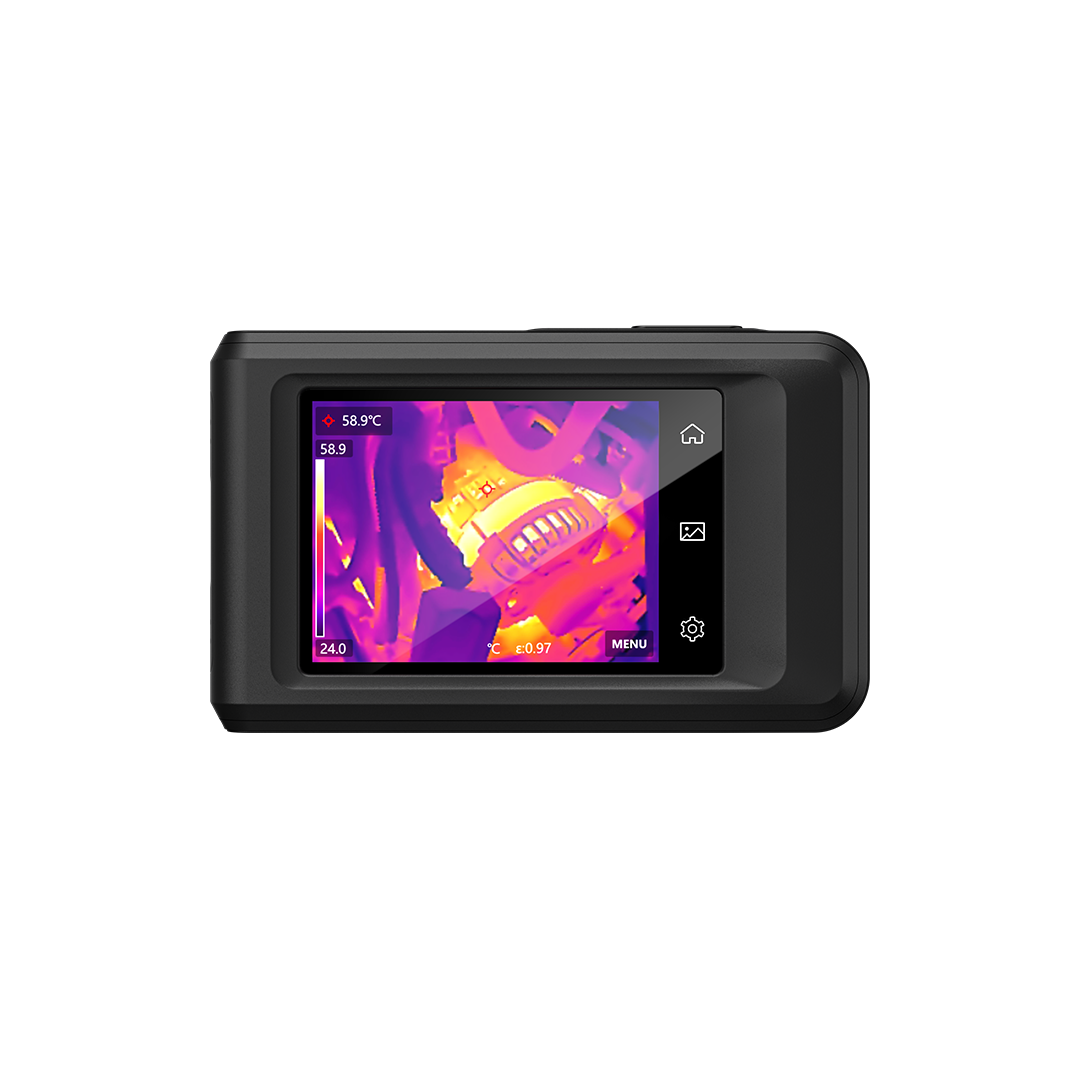
HIKMICRO Pocket2 vs FLIR C5: choose the camera that fits your inspection workflow.
Pocket2 has the stronger native detector specification. C5 deserves a closer look if you already use FLIR reporting tools. The best purchase depends on what you need to capture, explain and save.
This HIKMICRO Pocket2 vs FLIR C5 guide compares manufacturer specifications and practical buying considerations. It is a research-based comparison, not a hands-on test. We have not measured either camera’s image quality, accuracy or runtime. Manufacturer information was checked November 6, 2026.
Quick verdict: which one should you shortlist?
Choose Pocket2 for its detector specificationIts 256 × 192 native infrared detector and 25 Hz image frequency make it our first demonstration candidate for buyers who prioritize thermal detail and a faster live view. This is an editorial preference based on specifications, not a measured performance win.
Choose C5 for a familiar FLIR workflowIf your team already organizes inspection records in FLIR tools, try the C5 before changing systems. A camera that fits your reporting process can save more work than an attractive hardware specification alone.
HIKMICRO Pocket2 vs FLIR C5 specifications
| Feature | HIKMICRO Pocket2 | FLIR C5 |
|---|---|---|
| Native infrared detector | 256 × 192 | 160 × 120 |
| Native detector pixels | 49,152 | 19,200 |
| Image frequency | 25 Hz | 8.7 Hz |
| NETD rating | Below 40 mK | Below 70 mK |
| Touchscreen | 3.5-inch; 640 × 480 | 3.5-inch; 640 × 480 |
| Visible-light camera | 8 MP | 5 MP |
| Object temperature range | −20°C to 400°C | −20°C to 400°C |
| Field of view | 50° × 37.2° | 54° × 42° |
| Image presentation | Thermal, visual, fusion, PIP, blending | Thermal, visual, MSX, PIP |
Sources: HIKMICRO Pocket series specifications and FLIR C5 manufacturer datasheet. Ratings depend on stated test conditions. Confirm the exact model and regional configuration before ordering.
Does Pocket2’s higher resolution make it the better camera?
Pocket2 has 2.56 times as many native detector pixels: 49,152 divided by 19,200. That is a pixel-count comparison, not a promise of 2.56 times better image quality. Lens characteristics, working distance, target size, focus and processing all influence what you can identify.
For a useful demonstration, choose a target similar to your normal work and ask for original files from both cameras. Keep the distance and viewing angle consistent. Decide whether the feature you need to document is clear enough before looking at an enhanced screenshot.
Also separate thermal resolution from display resolution and visual-camera megapixels. A detailed visible outline can help identify a component, but it does not add native infrared measurements. FLIR’s MSX presentation and HIKMICRO’s image modes should be evaluated as aids to interpretation.
Match the camera to the job
Building inspections: Evaluate whether the saved image makes the location understandable to someone who was not at the property. Capture a regular reference photo too. For follow-up visits, record the room, surface and conditions so you can compare like with like.
HVAC and maintenance: Try moving between several inspection points, saving each result and retrieving it later. The important question is whether you can keep the findings organized during a normal job. A polished demonstration of one target may hide a cumbersome multi-location workflow.
Small electronics: Ask for a close-up demonstration with the actual accessory kit. HIKMICRO lists an optional macro lens for Pocket2. Confirm compatibility, availability and working distance before buying; the standard camera listing may not include it.
Interpretation mattersThermal images show surface temperature patterns. They do not by themselves confirm a hidden leak, identify mold or establish that electrical equipment is safe. Use appropriate follow-up checks and qualified help for hazardous inspection work.
Reporting software can decide the purchase
HIKMICRO describes Viewer for mobile transfer and Analyzer for Windows reporting. FLIR offers Ignite cloud connectivity for the C5. Before committing to either system, confirm current account terms, compatible devices and the features included in the software edition you will use.
Run one complete sample job: capture an image, add the location, transfer the original file, reopen it and prepare a report. Then have another person locate that record. This reveals whether the camera fits a team process as well as an individual demonstration.
If you handle customer information, check where files are stored and how sharing permissions work. Include any paid software, storage, accessories and training in your ownership budget. We have not verified current subscription pricing.
Amazon vs Walmart: compare matching offers
The buttons below open retailer search results. They are not verified product offers, and we have not confirmed live prices or stock. Search results may include other models, accessories and refurbished cameras.
HIKMICRO Pocket2Check the exact Pocket2 model, included accessories and seller warranty before comparing checkout totals.
FLIR C5Confirm that the listing is the C5, rather than the C3-X, Cx5 or a case sold separately.
Compare new versus refurbished condition, seller identity, shipping, tax, return deadline and warranty eligibility. Save the listing and invoice. A lower headline price has limited value if the kit lacks an accessory you require or the seller cannot explain local support.
A simple checklist before you buy
1. Define the result. Write down the smallest target you need to identify, normal viewing distance and report format. These are more useful purchase criteria than a long feature list.
2. Request representative files. Ask for original captures and a sample report. Check them on your own computer rather than relying only on a retailer video.
3. Test during the return window. Repeat your essential capture, transfer and reporting tasks. Keep packaging and understand the seller’s return conditions before opening the kit.
4. Compare ownership cost. Add accessories, software and the time required to learn a new workflow. For a single inspection, compare rental or a professional service with buying a camera.
Frequently asked questions
Which has higher native thermal resolution?
Pocket2: 256 × 192 compared with C5’s 160 × 120. Higher pixel count is a useful specification, but it does not replace a task-specific image comparison.
Are these phone attachments?
No. Both are dedicated compact cameras with built-in screens. If you prefer using a phone, see our FLIR Edge Pro vs C5 comparison.
Does a lower NETD rating mean more accurate temperatures?
NETD describes sensitivity to small temperature differences under specified conditions. It is a different specification from absolute temperature measurement accuracy.
Which retailer is cheaper?
We have not verified current offers. Compare the exact model and bundle, seller support and final checkout total using the search links above.
Final recommendation
Start with a Pocket2 demonstration if you are building a new kit and prioritize its native detector and live-view specifications. Start with a C5 demonstration if a familiar FLIR reporting process is central to your work. Choose only after reviewing representative files and completing the export workflow.
For more detail, read our HIKMICRO Pocket2 review and FLIR C5 review.
