
Affiliate disclosure: Accurate Goods may earn a commission from qualifying Amazon purchases made through links on this page, at no extra cost to you. Our recommendations focus on compatibility, useful features, and buyer fit.
Choose presence detection that actually fits your Home Assistant setup
A good presence sensor can keep lights on while you sit still, trigger room-aware automations, and reduce false “vacant” events. The best choice depends on whether you value zones, local ESPHome control, Zigbee simplicity, or an easy Wi-Fi setup.
A traditional PIR motion sensor notices movement, then often clears after you stop moving. A presence sensor—usually using 24 GHz or 60 GHz millimeter-wave radar—can detect smaller motion such as typing, reading, or breathing. That makes it useful in an office, bedroom, living room, kitchen, or bathroom where a person may remain nearly still.
Presence sensing is not automatically perfect. Moving curtains, ceiling fans, reflective surfaces, pets, sensor angle, and sensitivity settings can produce false events. Home Assistant compatibility also varies: some devices connect through HomeKit, Matter, Zigbee, or native ESPHome, and certain features may not appear through every route. Buy for the integration path you will actually use.
Best presence sensors for Home Assistant at a glance
| Sensor | Connection | Best for | Important trade-off |
|---|---|---|---|
| Aqara FP2 | 2.4 GHz Wi-Fi | Zones and broad room coverage | Setup and tuning take time |
| Everything Presence One | Wi-Fi / ESPHome | Local control and configurable automations | Enthusiast-oriented setup |
| SONOFF SNZB-06P | Zigbee 3.0 | Affordable room occupancy | Needs a compatible Zigbee coordinator |
| Apollo MSR-2 | Wi-Fi / ESPHome | Compact local multisensor | More settings than plug-and-play models |
| THIRDREALITY Presence Sensor R1 | Zigbee | Zigbee households wanting radar detection | Entity support depends on coordinator/integration |
1. Aqara Presence Sensor FP2
The FP2 is the most flexible mainstream choice for a large living space because its headline advantage is spatial awareness. Instead of reporting only occupied or vacant, it can divide a room into detection zones. In a suitable layout, Home Assistant automations can treat a sofa, desk, or dining area differently without placing a separate sensor in every corner.
It uses Wi-Fi rather than requiring a Zigbee coordinator. Many Home Assistant users bring it in through the HomeKit Device integration after initial configuration in the Aqara app. The exact entities and features exposed can change with firmware and integration method, so confirm your desired zone workflow before mounting permanently.
- Useful zone-based approach for open-plan rooms.
- Designed to detect people who are sitting relatively still.
- No dedicated Aqara Zigbee hub required for the FP2 itself.
- Good fit for lighting, HVAC, and media automations.
- Placement, room edges, and interference zones need careful calibration.
- Wi-Fi and app-assisted commissioning may not appeal to fully local purists.
Check current availability and model details before ordering.
2. Everything Presence One
Everything Presence One is built for Home Assistant enthusiasts who want a sensor designed around local automation. It combines mmWave presence detection with PIR motion sensing and uses ESPHome, which makes its entities, controls, and update behavior familiar to many Home Assistant users. The PIR can provide a quick “someone entered” signal while radar helps maintain occupancy when the person becomes still.
This is a strong office, bedroom, or workshop choice when you want to tune detection distance and build your own logic. It is less of a mass-market appliance than the Aqara, but that is also its attraction: it exposes useful controls instead of hiding most behavior behind a vendor cloud.
- Home Assistant-focused ESPHome integration.
- Local operation after setup.
- Radar plus PIR supports responsive arrival and sustained presence.
- Configurable for demanding automation projects.
- Best suited to users comfortable with ESPHome-style configuration.
- Not intended for multi-person position tracking.
Compare the current version and seller documentation.
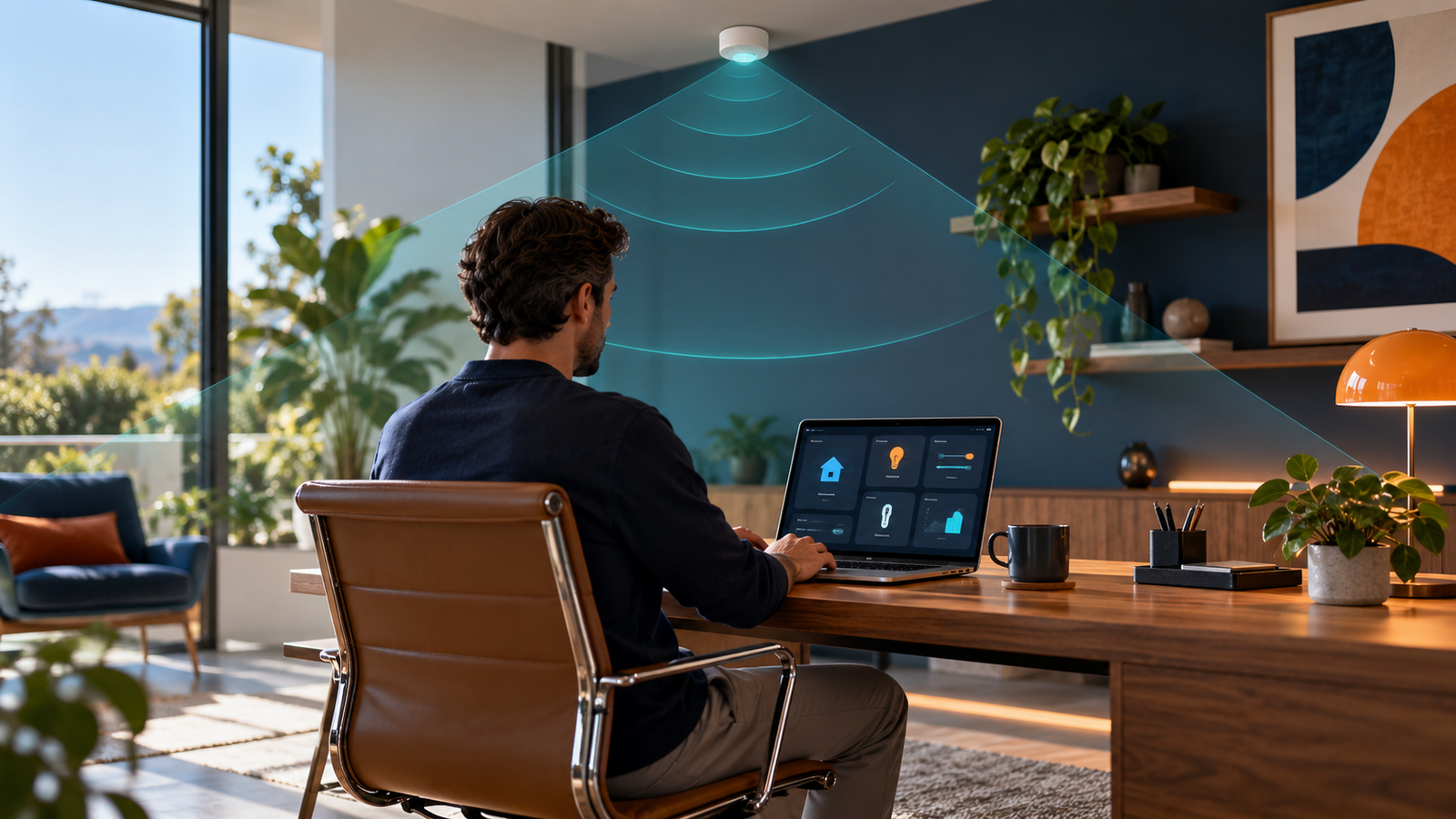
Good placement and sensible sensitivity are just as important as the sensor model.
3. SONOFF SNZB-06P
The SNZB-06P is appealing if you already have a Zigbee coordinator connected to Home Assistant. It adds radar-based occupancy without putting another everyday device on your Wi-Fi network. It is a practical choice for a bedroom, hallway, compact office, or other space where a simple occupied/unoccupied entity is enough.
Its USB-powered design means you need power near the mounting point. Zigbee support also depends on the coordinator and integration you use, such as ZHA or Zigbee2MQTT, so check the current device support page before purchase. It does not aim to provide the FP2’s detailed room map.
- Fits an established Zigbee smart-home network.
- Simple room-level presence use case.
- Can contribute as a powered Zigbee device, depending on network behavior.
- Usually easier to justify when you do not need zones.
- Requires compatible Zigbee hardware and software.
- USB power and cable routing affect placement.
Confirm the exact SNZB-06P model on the listing.
4. Apollo Automation MSR-2
The Apollo MSR-2 is a compact ESPHome-based option for buyers who want more than a binary occupancy sensor. It is designed for local Home Assistant use and combines presence sensing with additional environmental data in a small enclosure. This can reduce the number of visible gadgets in an office or bedroom and give automations more context.
Its strength is flexibility, not a simplified consumer app. Advanced configuration can be valuable, but it also creates more choices during setup. Treat the sensor as a configurable automation component and plan time for testing detection gates, timeout behavior, and mounting position.
- Compact, local, Home Assistant-oriented design.
- ESPHome provides accessible entities and tuning controls.
- Useful when you want presence plus environmental readings.
- Overkill for a basic hallway automation.
- Availability may vary by seller and production batch.
5. THIRDREALITY Smart Presence Sensor R1
THIRDREALITY’s R1 is another option for households committed to Zigbee. It targets the gap between basic battery motion sensors and more advanced Wi-Fi spatial sensors. It can be a sensible room-level choice when you want radar-based detection but prefer to keep devices on a dedicated Zigbee network.
As with any third-party Zigbee product, do not assume that every advertised setting will appear identically in Home Assistant. Coordinator firmware, ZHA or Zigbee2MQTT support, and the installed device definition determine which controls you receive. Check the current compatibility notes for your stack.
- Zigbee connection suits dedicated smart-home networks.
- Useful alternative when the SONOFF model is unavailable.
- Room-level presence can improve seated-person automations.
- Fewer advanced spatial features than the FP2.
- Integration support should be checked before purchase.
Review protocol and power requirements on the listing.
How to choose the right sensor
Choose your integration route first
For the cleanest Home Assistant experience, decide whether you want ESPHome, Zigbee, HomeKit, or Matter before comparing hardware. ESPHome is attractive for local control and detailed entities. Zigbee keeps low-bandwidth smart devices off Wi-Fi but requires a coordinator. HomeKit can make some Wi-Fi devices locally available to Home Assistant. Matter is improving interoperability, but feature exposure can still be narrower than a manufacturer’s own app.
Zones versus room-level occupancy
Zones are useful when one sensor needs to distinguish a desk from a sofa, but they increase setup work. A room-level sensor is often better for a bathroom, small office, or bedroom where the automation only needs to know whether anyone remains inside. Do not pay for a spatial map when a stable binary entity will do the job.
Power and placement
Most mmWave sensors need continuous USB or mains power. Before buying, locate an outlet and plan cable routing. Mounting too close to a moving fan, curtain, doorway, or reflective object can create confusing detections. Temporarily position the sensor, watch its entity history in Home Assistant, and tune sensitivity before using permanent adhesive or screws.
Setup tips that prevent false triggers
- Start with default sensitivity and one simple occupancy automation.
- Observe the sensor history for a full day before adding complex conditions.
- Create exclusion or interference zones for fans, curtains, and doorways when supported.
- Use a short PIR-style trigger for immediate entry and a longer radar clear delay for comfort.
- Add a fail-safe timeout so a light cannot remain on indefinitely after an unusual event.
- For critical safety tasks, use a purpose-built safety device instead of relying only on Home Assistant.
If you are building a broader monitoring setup, see our guides to gas leak detectors for home use, using a gas leak detector correctly, what an air-quality monitor detects, and how radon detectors work. For electrical troubleshooting around smart-home installations, review our non-contact voltage tester guide and how to check whether a wire is live.
Frequently asked questions
Is a presence sensor better than a motion sensor?
For rooms where people sit still, usually yes. A conventional PIR sensor is excellent for fast movement and can be battery powered, while mmWave is better at maintaining occupancy. Many reliable setups use both signals.
Do mmWave presence sensors work through walls?
Radar can sometimes detect motion through thin materials, which may cause unwanted triggers. Proper placement, sensitivity control, and detection-distance settings help limit this behavior.
Can a presence sensor count people?
Only certain spatial sensors advertise multi-person tracking, and performance depends on room layout and occlusion. A basic Zigbee or ESPHome presence sensor normally reports occupancy, not an accurate head count.
Which option is best for a fully local Home Assistant system?
An ESPHome-based device such as Everything Presence One or Apollo MSR-2 is the clearest local-first choice. Zigbee models can also run locally through a compatible coordinator.
Where should I mount a presence sensor?
Follow the model’s mounting guidance and give it a clear view of the target area. Avoid aiming directly at moving curtains, fans, busy adjacent hallways, or reflective surfaces until you have tested sensitivity.
Final verdict
The Aqara FP2 is the best overall choice when you need zones and broad room awareness. Everything Presence One is the better option for an enthusiast who prioritizes local ESPHome control. The SONOFF SNZB-06P is the practical value pick for an existing Zigbee network. Whichever you choose, reserve time for placement and tuning—the most expensive sensor can still perform poorly when mounted in the wrong spot.
