
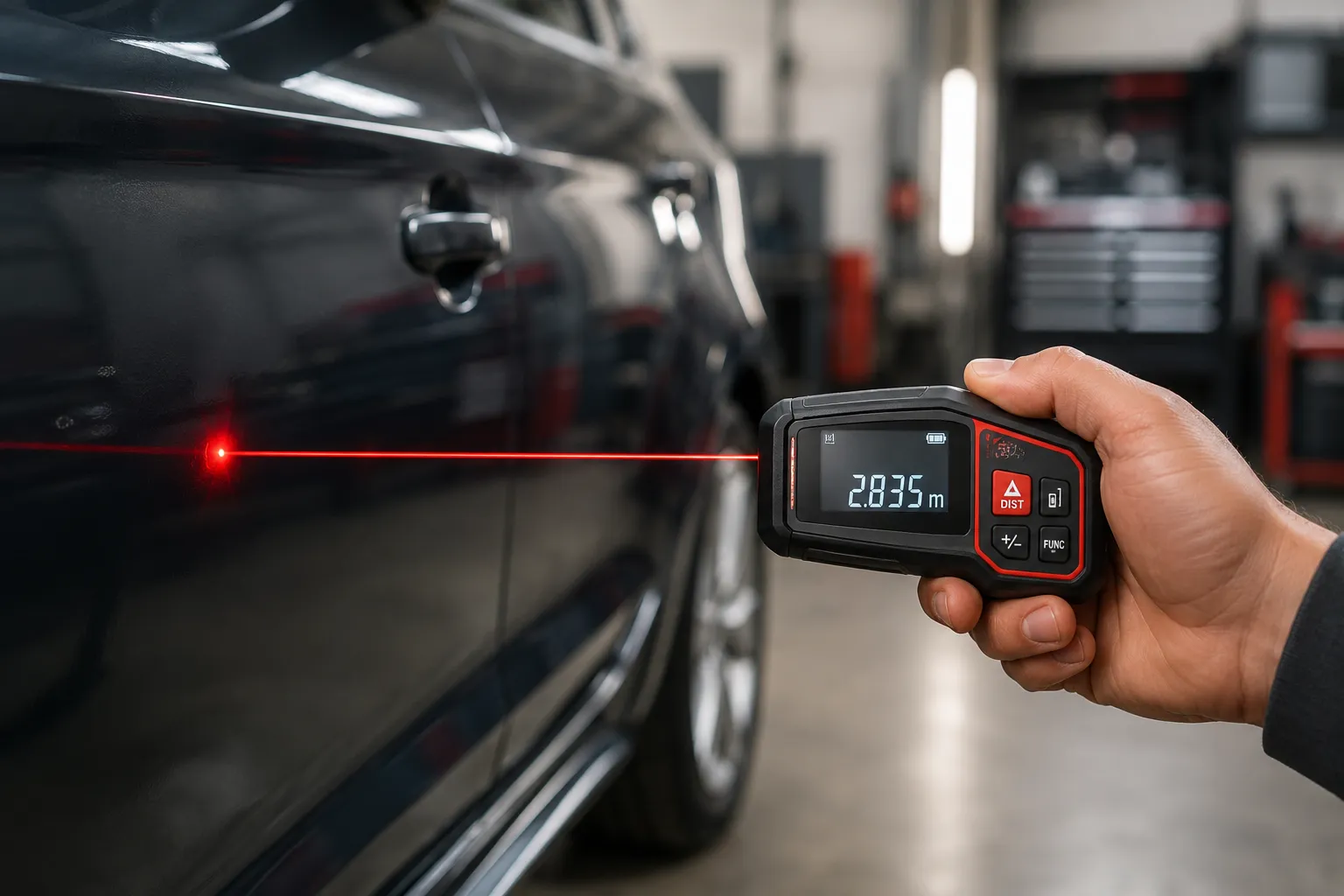
Most laser measures are accurate enough for home and DIY work, with many models rated around ±1/16 in. to ±1/8 in. under ideal conditions. Real-world accuracy can drop if the target is far away, shiny, dark, uneven, or hard to aim at, so the result depends on both the device and how you use it.
If you’re wondering whether a laser distance meter is precise enough for your next project, the short answer is yes for many everyday tasks. I’ll walk through what those accuracy numbers really mean, what affects readings, and how laser measures compare with tape measures and other tools.
We also cover common mistakes, how to improve results, and what accuracy to expect from different types of laser measures before you buy.
How Accurate Are Laser Measures in Real-World Use?
Typical Accuracy Ratings You’ll See on the Box
Most laser measures list an accuracy spec such as ±1/16 in. or ±1/8 in. That means the reading is expected to be within that range of the true distance when the tool is used under the conditions the maker tested.
For many homeowner jobs, that level of precision is more than enough. Measuring a room for flooring, checking wall lengths, or planning furniture layout usually does not need laboratory-level precision.
Why “±1/16 in.” Isn’t Always the Whole Story
That tiny number on the box can be a best-case rating. It often assumes a clean, flat target, good lighting, a steady hand, and a distance inside the tool’s comfortable range.
Once you move outdoors, aim at a dark surface, or stretch the distance, the reading may vary more. The device may still be useful, but the result can be less repeatable.
When Laser Measures Are More Accurate Than Tape Measures
Laser measures can beat tape measures when the distance is long, awkward, or hard to reach. They also reduce the chance of sagging tape, bent blades, or reading errors from a tape that is not held straight.
For long room dimensions, stair runs, ceiling heights, and quick layout checks, a laser measure often gives more consistent results than a manual tape, especially when one person is measuring alone.
Many laser measure errors come from the target surface, not the laser itself. A good device can still struggle if the beam has trouble bouncing back cleanly.
What Affects the Accuracy of a Laser Measure?
Surface Color, Texture, and Reflectivity
Bright, flat surfaces usually give the easiest readings. Dark paint, matte finishes, glass, and rough textures can make it harder for the sensor to catch a strong return signal.
Very shiny surfaces can also cause trouble because the beam may reflect away at an angle instead of bouncing directly back to the device.
Distance to the Target and Beam Divergence
Laser beams are not infinitely thin. As the distance grows, the beam spreads a little, which can make it harder to pinpoint the exact spot you want.
That is one reason a reading at 15 feet may seem steadier than one at 90 feet. The farther the target, the more small aiming differences can matter.
Indoor vs. Outdoor Measuring Conditions
Indoor spaces are usually easier because the target is close, stable, and not washed out by bright sun. Outdoors, sunlight can make the laser dot harder to see and can reduce how well the sensor picks up the return signal.
If you need outdoor measurements, check whether your model is designed for that use. Some devices handle bright conditions better than others. For official guidance on laser safety and categories, the U.S. FDA laser products information is a solid place to start.
Angle, Stability, and Handheld Movement
A laser measure works best when it is held steady and aimed squarely at the target. If the tool tilts or moves during the reading, the distance can shift slightly.
Even a small hand movement can change the point where the beam lands, especially over longer distances. Bracing your elbows or resting the tool against a stable surface can help.
Battery Level and Device Quality
Low battery power can sometimes affect performance, especially on budget models. A weak battery may not always cause a wrong number, but it can make the device less reliable or slower to respond.
Build quality matters too. Better optics, stronger signal processing, and clearer aiming aids usually lead to more repeatable results.
Accuracy and repeatability are related, but not the same. A device can give the same wrong result every time, or slightly different results around the correct value.
How to Read Laser Measure Accuracy Specifications Correctly
Understanding Manufacturer Accuracy Claims
Manufacturers usually test accuracy under controlled conditions. The claim may be valid, but only for a specific distance range and target type.
Look for the exact wording. Some brands state accuracy as a fixed number. Others tie it to distance, such as a small error at shorter ranges and a larger error farther out.
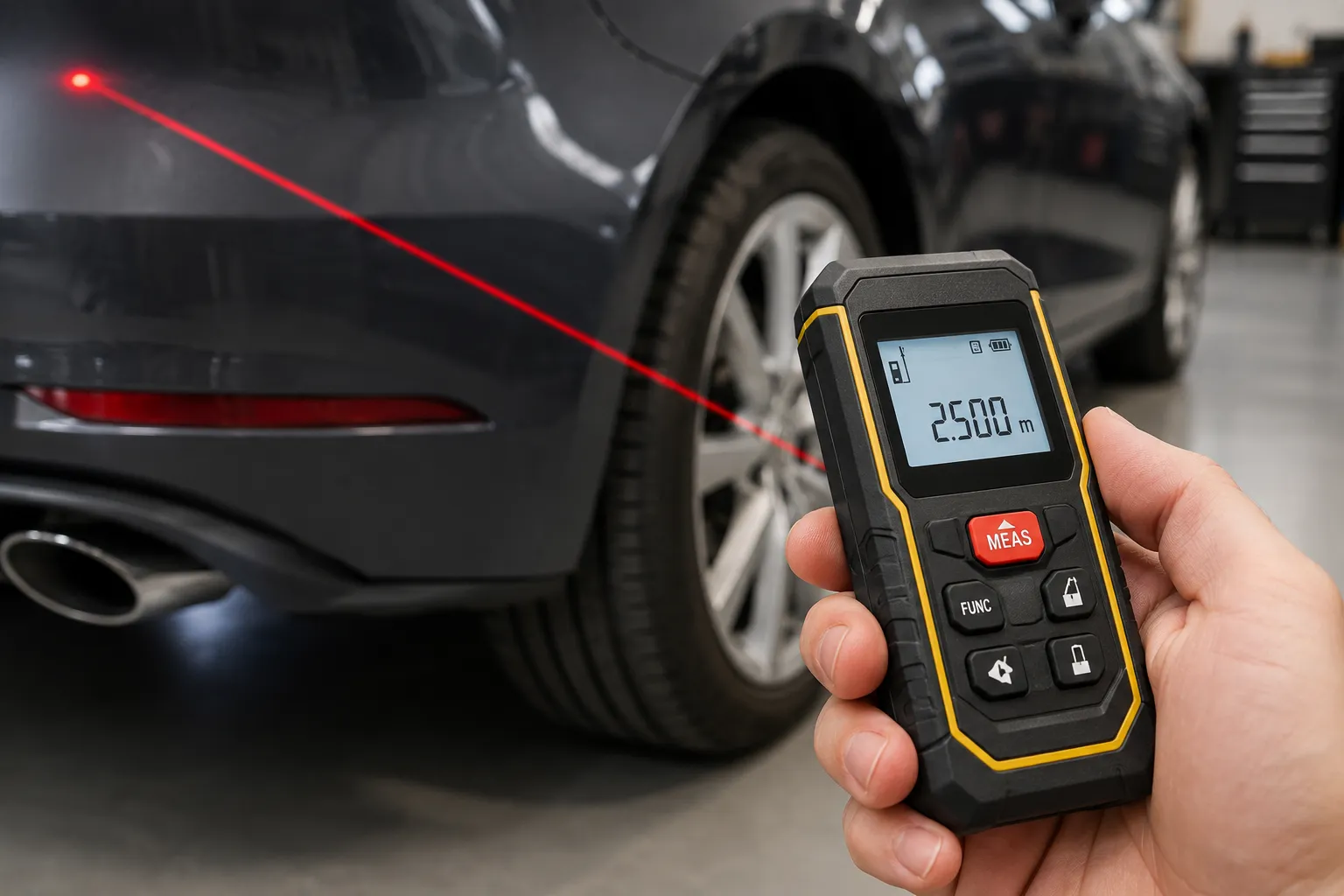
Difference Between Accuracy, Resolution, and Range
| Spec Term | What It Means | Why It Matters |
|---|---|---|
| Accuracy | How close the reading is to the true distance | Tells you the likely error margin |
| Resolution | The smallest increment the display shows | A fine display does not always mean better accuracy |
| Range | The farthest distance the unit can measure | Long range often means more chance for variation |
Why Measurement Range Changes Accuracy Performance
A tool may be very accurate at 10 feet and less dependable at 150 feet. That does not mean it is broken. It means the signal has more distance to travel and more chances to be affected by surface and aiming issues.
If you often measure large rooms, yards, or exterior walls, choose a model with a range well above your usual needs. That gives you more breathing room for real-world use.
Common Spec Terms to Look For Before Buying
Useful spec terms include accuracy, range, indirect or Pythagorean mode, IP rating, and display readability. If a model mentions Bluetooth or app support, that can help with note-taking, but it does not automatically improve measuring accuracy.
For broader guidance on how laser distance meters are classified and tested, the Bosch laser measure product information page is a helpful example of how manufacturers present specs and features.
When comparing models, do not focus on range alone. A shorter-range tool with better accuracy and easier aiming can be more useful for home projects.
How to Improve Laser Measure Accuracy on the Job
Use a Stable Starting Point and Proper Reference Mode
Always confirm whether the device is measuring from the front, back, or tripod point. If you start from the wrong reference, every reading will be offset.
Choose the same reference mode for all measurements in a project. That keeps your numbers consistent.
Keep the Laser Perpendicular to the Target
Try to aim the tool straight at the surface, not at a steep angle. A square-on shot gives the sensor a better chance of reading the return signal cleanly.
If you are measuring a wall, door, or floor line, take a moment to line up the beam before pressing the button.
Measure on Clear, Flat, Non-Reflective Surfaces When Possible
Plain drywall, wood trim, and matte painted surfaces are usually easy targets. If the surface is glass, glossy, or very dark, the reading may be less stable.
When possible, aim at a flat area without clutter, edges, or obstructions in the beam path.
Take Multiple Readings and Compare Results
If one reading looks odd, take two or three more. Small differences are normal, but a reading that jumps far away from the others deserves a second look.
Multiple readings are especially useful on long distances or tricky surfaces.
Use a Target Plate or Reflective Aid for Difficult Surfaces
A target plate can help the laser return more cleanly when the surface is hard to read. This is useful for outdoor work, dark materials, or far-away points.
Some users also place a piece of matte paper or a small reflective target where the beam should land. That can improve repeatability without changing the tool itself.
Make sure the device is set to measure from the correct end or tripod base before you start.
Brace your hands or body so the laser does not wander while you take the reading.
Use a flat, visible spot whenever possible, and avoid edges, corners, or clutter.
Take more than one reading if the result matters, then compare the numbers for consistency.
How Accurate Are Laser Measures Compared with Tape Measures and Other Tools?
Laser Measure vs. Tape Measure Accuracy
For short, simple measurements, a good tape measure can be very accurate. But over longer spans, tape sag, bending, and reading mistakes can add error.
Laser measures are often more consistent for one-person measurements, especially across rooms or from floor to ceiling. A tape may still be better for marking material directly or checking a small part length.
Laser Measure vs. Ultrasonic Measure Accuracy
Laser measures are generally more precise than ultrasonic devices. Ultrasonic tools can be affected by room shape, soft surfaces, air movement, and background noise.
That makes laser measures the stronger choice when you want reliable distance readings for home projects.
Laser Measure vs. Measuring Wheel Accuracy
Measuring wheels are useful for long ground distances, such as yards, driveways, or large layouts. They are not as precise as a laser measure for short indoor work, and surface bumps can affect results.
If you need room dimensions, a laser measure is usually the better tool. If you need a rough long-distance ground measurement, a wheel can be practical.
Which Tool Is Best for Different Home and DIY Tasks
- Laser measure for room sizes, cabinets, and layout checks
- Tape measure for small cuts and direct marking
- Ultrasonic tool only for rough quick estimates
- Measuring wheel for long outdoor ground distances
- Using a laser on a shiny target without checking the return signal
- Trusting any tool without repeating a critical measurement
- Using an ultrasonic meter for detailed finish work
- Expecting a long tape to stay perfectly straight on its own
Common Accuracy Problems and How to Fix Them
Inconsistent Readings on the Same Spot
If the number changes each time you measure the same target, check your grip, the target surface, and the distance. Small hand movement is a common cause.
Try bracing the device, aiming at a larger flat area, and measuring again from the same reference point.
Measurement Errors on Shiny or Dark Surfaces
Shiny tile, black paint, glass, and polished metal can all cause weak or scattered returns. That can lead to missed readings or numbers that jump around.
A target plate, a piece of matte tape, or a paper target can help in these situations.
Errors Caused by Poor Targeting or Obstructions
Furniture, trim, cords, dust, and clutter can interfere with the beam path or cause you to hit the wrong spot. Even a tiny aiming mistake can matter at longer distances.
Clear the line of sight before measuring, and use the zoom or aiming guide if your device has one.
When to Recalibrate or Replace the Device
If your readings are consistently off by the same amount, the device may need recalibration or service. If the unit is old, damaged, or unreliable even after fresh batteries and careful use, replacement may be the better option.
If a laser measure gives wildly different results on multiple known distances, stop relying on it for important work. Check the manual, test it against a known length, and contact the manufacturer if needed.
Are Laser Measures Accurate Enough for Homeowners and DIY Projects?
Best Uses for Laser Measure Accuracy in Home Projects
Laser measures are a great fit for flooring estimates, paint planning, wall-to-wall room checks, cabinet layout, curtain placement, and quick renovation planning.
They are also handy when you are working alone and need to measure a space without stretching a tape across the room.
Where Laser Measures May Not Be Precise Enough
They may not be the best choice for fine trim layout, tiny parts, or tasks where you need a physical mark on the material itself. In those cases, a tape, ruler, or combination square may be better.
If the job depends on exact cut lengths, use the most direct measuring tool you have and double-check the number.
Pros of Using a Laser Measure
- Use it for fast room and space measurements
- Take repeat readings on important jobs
- Choose a model with enough range for your space
- Use a target plate when surfaces are hard to read
- Assume every box claim applies in every condition
- Measure blindly on shiny or dark surfaces
- Ignore the reference point setting
- Trust a single reading for critical work
Cons and Limitations to Keep in Mind
Laser measures can struggle with poor targets, bright sunlight, and very long distances. They also depend on the user holding the device steady and aiming it correctly.
That means they are excellent tools, but not magic ones. Good technique still matters.
- Test your laser measure on a known distance before a big project.
- Keep the lens and front sensor clean for better signal return.
- Use the same measuring mode every time to avoid offset errors.
- For outdoor work, measure in shade when possible.
- Save critical measurements in notes or an app right away so you do not rely on memory.
Your laser measure is consistently off on known distances, gives random readings on easy targets, or behaves differently after a drop or battery change. For important work, verify the tool before you trust it.
What Accuracy Should You Expect from Popular Laser Measure Types?
Basic Budget Models
Budget laser measures can be fine for occasional home use, but they may have simpler optics, fewer aiming aids, and less stable performance at the edges of their range. They often work best indoors and at moderate distances.
Mid-Range Homeowner Models
Mid-range models usually offer a better balance of accuracy, range, and ease of use. For many homeowners, this is the sweet spot because the tool is more dependable without being overly complex.
Professional Laser Distance Meters
Professional units often provide stronger build quality, better display clarity, more measurement modes, and steadier performance over longer distances. They are a good choice if you use the tool often or need more repeatable results on job sites.
Bluetooth and Smart Measuring Models
Bluetooth models can make it easier to transfer measurements into an app or layout plan. That is useful for organization, but the wireless feature does not automatically make the distance reading more accurate.
For smart tools, focus on the core specs first: accuracy, range, and how well the device handles the kind of surfaces you measure most.
Frequently Asked Questions About Laser Measure Accuracy
They are usually less consistent as distance increases. A model rated for long range can still be accurate, but aiming, target surface, and light conditions matter more at greater distances.
They can. Bright sunlight can make the target harder to see and may reduce the quality of the return signal. Outdoor use often works better with a target plate or in shaded conditions.
Yes, but usually only when something is wrong with the setup, target, or device. A healthy laser measure used correctly should not be off by several inches on a normal indoor measurement.
Poor targeting is one of the most common causes. Shiny, dark, or cluttered surfaces can also make readings less reliable.
For long or awkward measurements, often yes. For small parts, direct marking, or cutting material to exact size, a tape measure is still very useful.
Laser measures are accurate enough for most home and DIY projects, but real-world results depend on the target, distance, lighting, and how steadily you aim the tool. If you use the right reference point, measure carefully, and repeat important readings, you can trust a good laser measure for everyday work.
- Many laser measures are rated around ±1/16 in. to ±1/8 in. under ideal conditions.
- Surface type, distance, sunlight, and hand movement can affect real-world accuracy.
- Laser measures often outperform tape measures for long, awkward, one-person measurements.
- Repeat readings and use a target plate when the surface is hard to read.
- For home projects, a mid-range laser measure is often the best balance of accuracy and ease of use.
